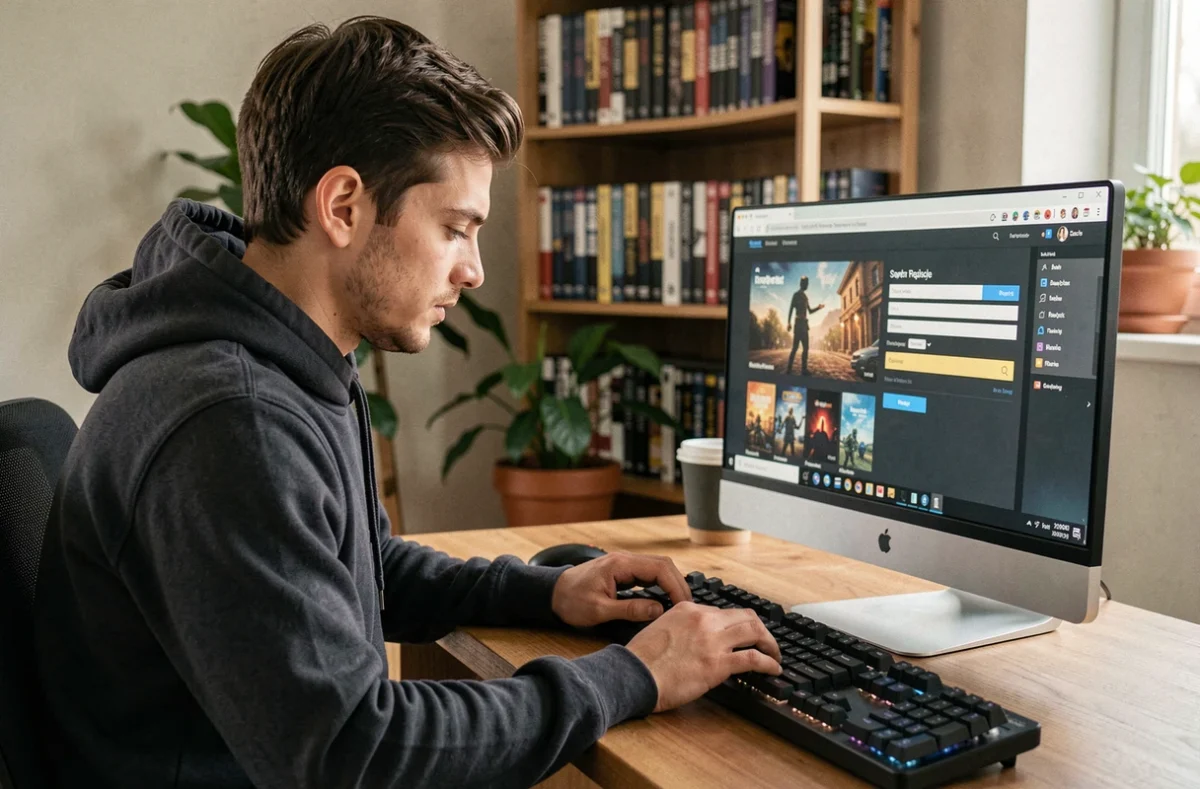
Buying a skin, a battle pass, or virtual currency in a video game takes just a few seconds. Recovering a hacked account or disputing a fraudulent charge can take weeks. The security of online purchases in video games relies on precise technical choices, often overlooked because the unit amount seems low.
Keys and recharges purchased outside the official circuit: the real risk for your account
Have you ever seen those sites that offer game keys or virtual currency recharges at discounted prices? The price is enticing, but the mechanism behind it deserves to be understood before pulling out your credit card.
Buying a key or recharge from a third-party reseller is not automatically illegal. However, the terms of use of many publishers prohibit these unauthorized circuits. The distinction is important: you are not at risk of legal action, but you may face the removal of your virtual goods, suspension, or permanent closure of your account.
This distinction between the legality of the purchase and contractual violation is rarely explained on the pages of these resellers. A player may therefore purchase a key in good faith, activate it, and then see its contents revoked without a simple recourse. Platforms like Steam, PlayStation, or Xbox apply their own rules, and consumer protection does not always cover purchases of digital content made outside the channels provided by the publisher.
The safest reflex remains to go through the in-game store or the official distribution platforms. The price difference with a third-party reseller rarely exceeds a few euros, a trivial gap compared to the risk of losing an entire account.
Some specialized stores detail their commitments regarding transaction protection, allowing you to verify the seriousness of the seller before making any purchase. You can also learn more about the security of My Games Hop! to see what a transparent security policy looks like on this type of platform.
Virtual currencies and loot boxes: understanding what you are really paying for
Modern video games use internal currencies (V-Bucks, FIFA Points, Robux) that add a layer of abstraction between your real money and your purchase. You are not buying an item: you are buying tokens, and then you spend those tokens.
Virtual currency bundles are calibrated to never exactly match the price of an item. You want a skin for 800 tokens, but the minimum bundle sells for 1,000. This surplus encourages you to spend more, a mechanism that European authorities are now examining as part of a coordinated review. The checks focus on the clarity of the actual price displayed and the obligation to purchase bundles exceeding the necessary amount.
Loot boxes (random chests) pose an additional problem. The player pays without knowing what they will receive. The PEGI classification system has strengthened its warnings: games that include loot boxes are now associated with a specific warning, and the titles concerned may be rated as unsuitable for those under 16.
Check before every in-game purchase
- Look at the price in euros, not just in virtual currency. Some games display it, others do not.
- Check if the desired item is directly purchasable or only through a random chest. In the latter case, the actual cost may be several times higher than the displayed price of the chest.
- Consult the game’s refund policy. Several publishers allow a short period to cancel a purchase of unused digital content.
Securing payment and player account
Protection does not stop at the choice of seller. The payment method and the configuration of the player account are two links that cybercriminals primarily target.
Payment methods suitable for in-game purchases
Use a dedicated credit card or a prepaid card for your video game purchases. In case of compromise, only the balance of that card is exposed. Virtual one-time use cards, offered by most online banks, provide an additional layer of protection: the number expires after the transaction.
Gift cards from platforms (PlayStation Store, Nintendo eShop, Steam) also help limit exposure. You credit a fixed amount to your account without linking a credit card to the platform.
Protecting account access
Two-factor authentication blocks the majority of hacking attempts on player accounts. Every major platform offers this option, but it is not always enabled by default.
- Enable two-factor authentication (2FA) on every gaming platform and on the email address associated with the account.
- Choose a unique password for each service. A password manager helps avoid having to memorize them.
- Never share your credentials, even with a trusted player. Social engineering scams (fake tech support, fake item exchanges) remain the primary vector for account theft.

Purchases by young players: technical safeguards to activate
Minor players represent a significant portion of the online population. All platforms offer parental controls, but their effectiveness depends on their configuration.
Disable password-free purchases on every device used by a child. By default, some consoles and phones allow purchase validation for several minutes after entering the code, which is enough time for a child to make multiple transactions.
Child accounts on PlayStation, Xbox, Nintendo, and mobile stores allow you to set a monthly spending cap. This cap is set in the parental control settings, not in the game itself. The distinction matters: a game may offer its own limits, but they do not replace those of the platform.
The PEGI rating, now strengthened for loot boxes, provides useful information about the game’s business model. A game rated with a warning related to in-game purchases deserves parental verification before installation.
The security of online purchases in video games operates on three levels: the choice of seller, the payment method, and the account configuration. None of these three points are complicated to implement, but each must be set up before the first purchase, not after the first problem.