
Looking up consultation hours, finding a building or checking whether accessible parking spaces are available on a hospital or medical practice website can quickly become an obstacle course. A qualitative study conducted at two university hospitals found that information needed to complete a single task—for example, finding a department—was scattered across several unlinked pages.
Participants had to backtrack, and some searches ended in failure. A well-designed sitemap transforms this experience by providing a clear overview of all the medical resources available online.
Information scattered across a medical website: the real navigation problem
Have you ever looked for a hospital department’s address on a website, only to find that the opening hours were on another page and directions somewhere else? This is not an isolated case. On many healthcare websites, useful information is scattered across pages that are not linked to one another.
Consider a practical example. A patient wants to know whether the clinic car park has spaces for people with reduced mobility. They find the “Getting here” page with the postal address. The car park map, however, is in a “Practical information” section. Information about wheelchair assistance appears on a third page dedicated to “Patient services”. Without links between these pages, patients have to guess where to look.
A sitemap solves this problem by listing all the pages in one place. But that alone is not enough. It should be supported by contextual links between pages covering the same topic. When the “Getting here” page links directly to the car park map and assistance information, patients no longer have to hunt around.
For an example of how medical resources can be clearly organised, the Geek Medical sitemap offers a good example of categorisation by healthcare topic, with clear labels that guide visitors straight to the content they need.

Internal search and a medical sitemap: two complementary tools
Many healthcare websites rely on their search bar to make up for a confusing site structure. The idea seems logical: if patients cannot find a page, they can type in a keyword. In practice, this does not always work.
The hospital-based study revealed a specific problem. Very similar queries, such as “COVID testing” and “COVID test”, produced completely different results. One led to the right page, while the other returned nothing. An internal search function that cannot handle variations in wording quickly becomes useless.
A sitemap helps overcome this limitation. It does not depend on an exact keyword match. Patients can browse a structured list and visually identify the section they need. It provides a safety net whenever search fails.
The best approach is to combine both:
- A sitemap organised by category (care, getting here, administration, emergencies), using everyday language rather than internal medical jargon
- An internal search function that accepts synonyms and common typos, so patients are not stumped if they type “X-ray” instead of “radiology”
- Contextual links within key pages to connect content related to the same patient journey
Sitemap accessibility: check before you travel
A sitemap is only useful if all patients can use it, including those browsing with a screen reader, a keyboard alone or a phone screen in bright sunlight.
The hospital-based study found that wayfinding needs vary depending on the type of disability. People with visual impairments placed particular importance on being able to find information online before travelling. Participants with learning difficulties preferred redundant, multi-channel cues: text, pictograms and distinct colours.
What patients should be able to check from home
Before visiting a healthcare facility, patients should be able to find a range of practical information on the website without any particular effort:
- How to reach the right building, with a visual map or precise written directions from the main entrance
- Parking options, including accessible spaces, and their exact location in relation to the department they need
- Available assistance (wheelchairs, escorts, interpreting) and how to request it in advance
- Actual consultation hours, not just the building’s opening hours
If this information is available on the website but scattered across four unlinked pages, the sitemap becomes the only way to find it. A good sitemap groups these pages under a clearly identifiable “Getting here and practical information” category.
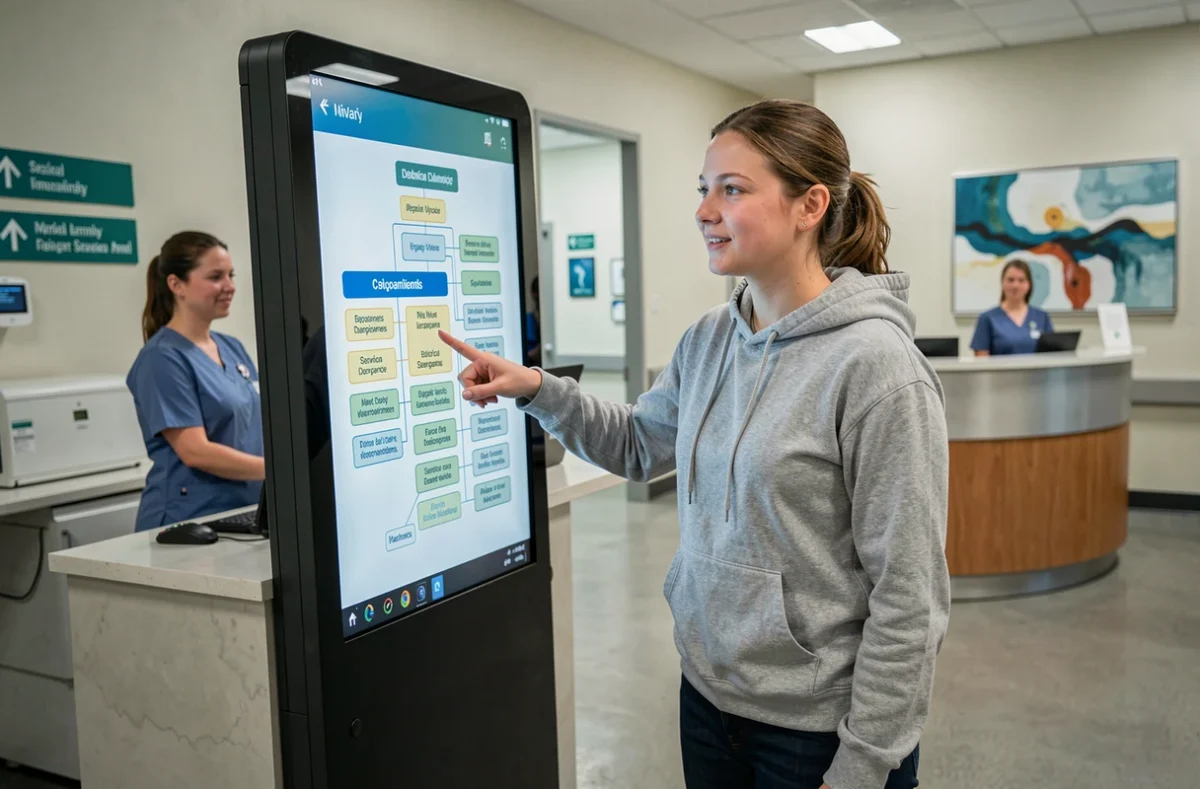
Structuring a medical sitemap: the choices that matter
A sitemap is not simply an alphabetical list of every page. On a medical website, alphabetical organisation buries the most frequently visited pages among less important content.
The most effective structure is based on patients’ actual journeys. Someone visiting a hospital website is generally looking for one of three things: booking an appointment, preparing for a visit or understanding a test result. Organising the sitemap around these three intentions makes navigation immediately clear.
Section labels: speak the patient’s language
A common pitfall is naming sections according to the organisation’s internal structure. “Medical and technical division” or “Nursing directorate” means little to a patient looking for a blood test result.
Every sitemap label should use the words patients would use themselves. “Test results” rather than “Medical biology laboratory”. “Book an appointment” rather than “Medical secretariats”. This simple rewording can significantly reduce the time it takes to find information.
The European Accessibility Act covers certain online services, including e-commerce, with possible exemptions for some micro-enterprises. A medical practice’s informational website does not automatically fall within the same scope as an appointment-booking platform that processes transactions. The exact scope depends on the online activity offered and the applicable legislation. Checking this helps avoid overlooking genuine obligations or investing in compliance measures that are not required.
A well-designed medical sitemap is not a technical gimmick reserved for SEO professionals. It is a tool that lets patients confirm, in seconds on their phone, that all the information they need is available, up to date and accessible using their preferred browsing method. When patients can check this before travelling, their trust in the healthcare provider begins well before they reach the waiting room.